

ADVERTISEMENT
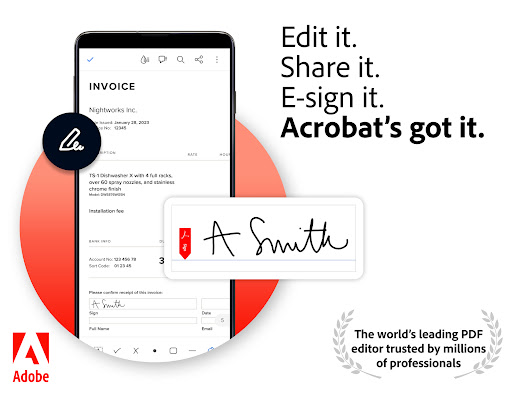
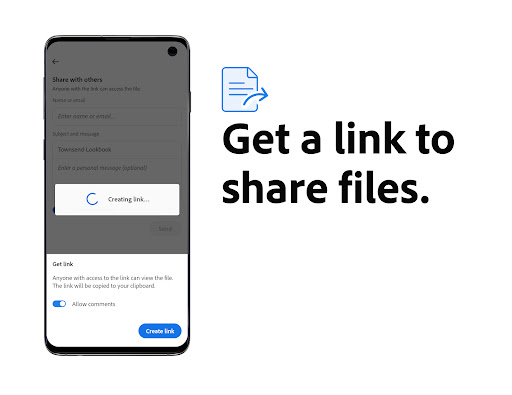
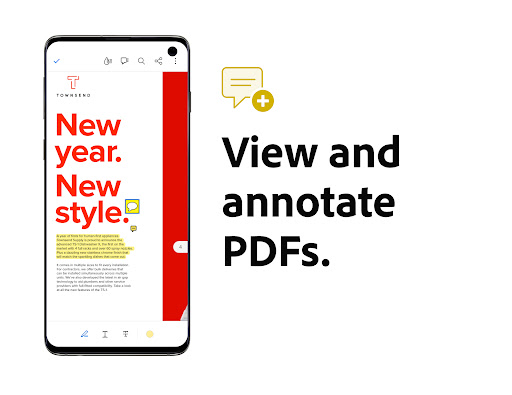
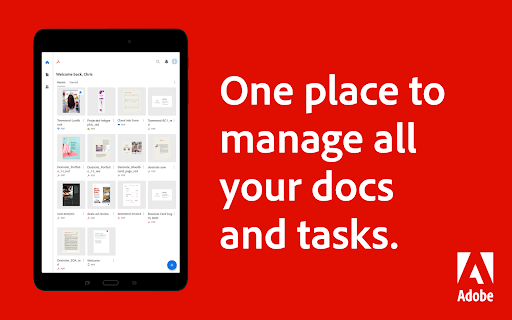
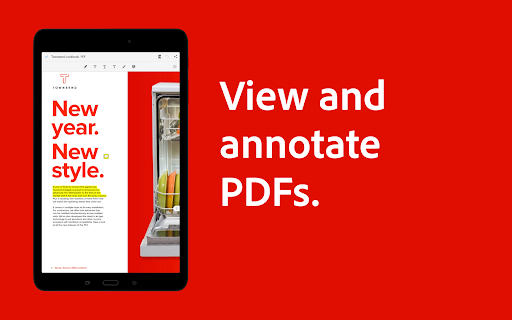
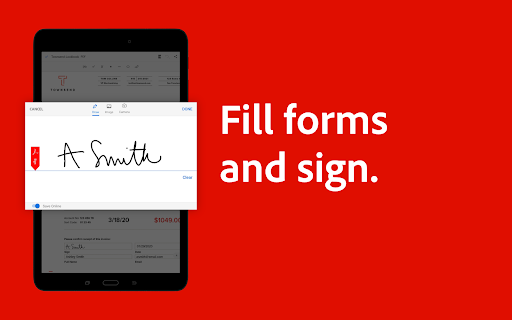
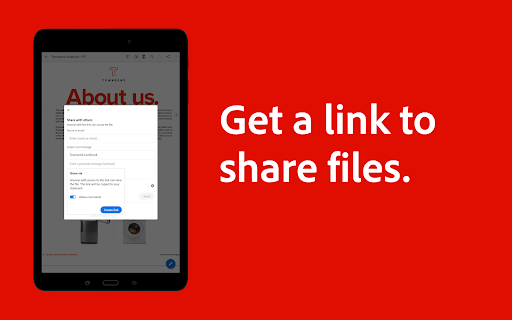
The Adobe Acrobat Reader: Edit PDF app is designed to empower users with the ultimate PDF handling tools in a single platform. Whether you're a student needing to annotate lecture notes, a professional collecting signatures, or simply someone who requires reliable PDF management, this app caters to various needs. With more than 635 million installs, it stands as the world's most trusted PDF reader, editor, and maker. The app allows users to efficiently view, share, annotate, and even collaborate on PDF files, all while providing secure access from anywhere. 🌍
1. Collaborate and share files effortlessly in PDF Spaces.
2. Instantly transform document summaries into audio formats with podcast-style features.
3. Utilize the AI Assistant for voice or text prompts to extract insights from your PDFs.
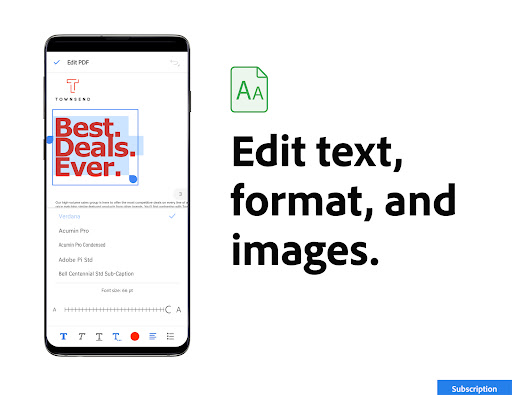
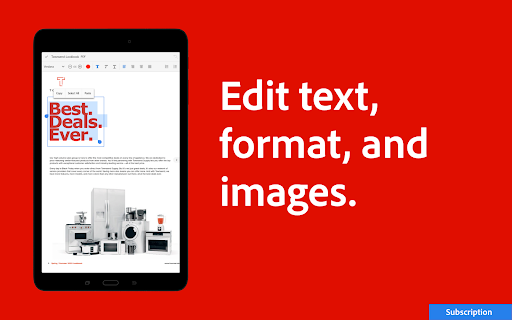
4. Easily edit text and images directly in your PDFs (mobile only).
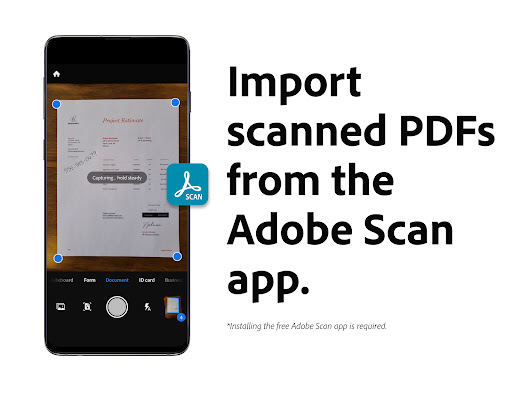
5. Optical Character Recognition (OCR) makes scanned PDFs searchable and editable.
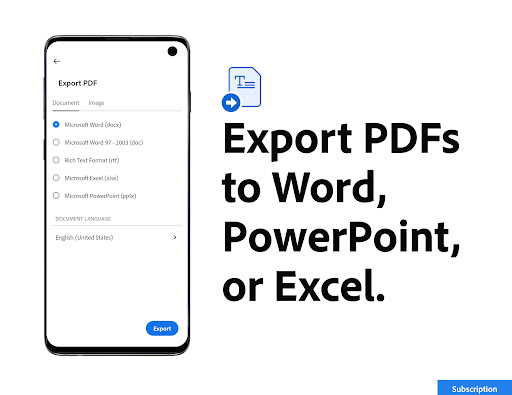
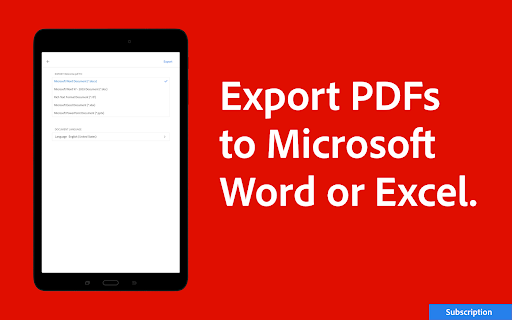
6. Convert any file type, including Microsoft and Google Docs, to PDF with ease.
1. Convenience: The Adobe Acrobat Reader: Edit PDF app integrates multiple functionalities—viewing, editing, sharing, and signing—all within one app, eliminating the need for multiple applications.
2. Speed: With a user-friendly interface and robust features, users can quickly navigate through tasks such as editing text, adding annotations, and converting files, significantly enhancing productivity.
3. AI-Powered Features: The AI Assistant and Generative AI Summaries automate tasks and provide insights, making document handling smarter and more effective.
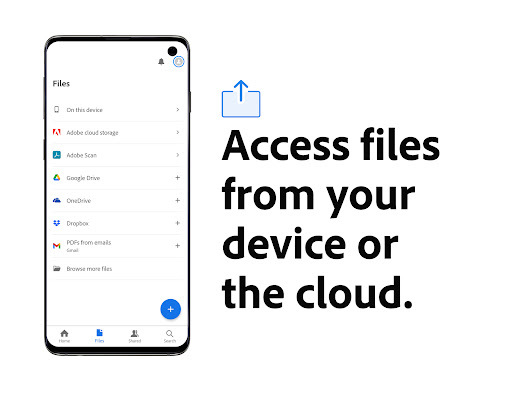
4. Accessibility: With the ability to store files online, users can access and manage their documents from any device, whether it's an Android or IOS device. 🖥️
5. Security: Adobe ensures that all files are handled securely, providing peace of mind when storing and sharing sensitive documents.
1. Limited Free Features: While the app offers a 7-day free trial for premium features, many advanced functionalities, including the AI Assistant, may require a subscription after the trial period ends.
2. Mobile Limitations: Some features, such as comprehensive editing, are only available on the mobile version, potentially restricting full functionality on desktop platforms.
3. Complexity for New Users: Due to the generous range of features, new users may find the app slightly overwhelming at first, requiring time to fully understand how to use it effectively. 📚
ADVERTISEMENT
Safe & Fast App Downloads on SwifteHub
SwifteHub secures downloads of the Adobe Acrobat Reader: Edit PDF with signature verification.




Master Twitch Streaming: Turn Your Passion into a Thriving Community Hub

Canvas Student App: Transform Your Study Routine and Ace Your Courses Effortlessly! 🚀

Unlock the Power of Google Photos: Effortlessly Organize, Edit, and Relive Your Memories Like a Pro

YouTube Music —— Transform Your Daily Soundtrack into a Personalized Symphony 🎶


